

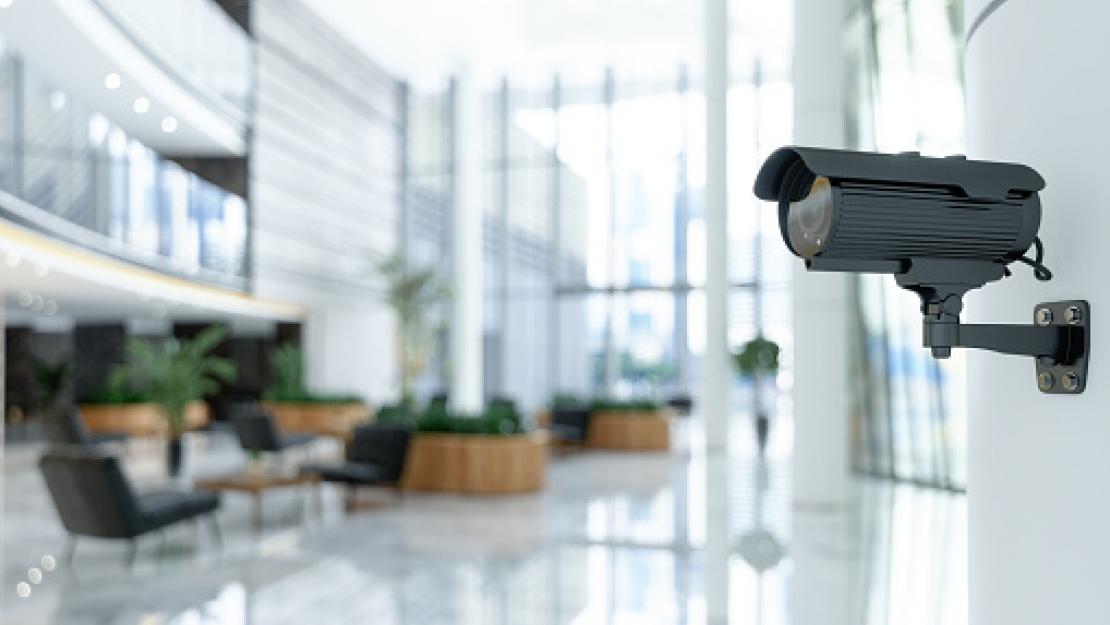
Business Security Camera Installation matters because the camera itself is often the cheapest part of a commercial security system. A capable indoor camera can cost as little as $50 to $150. What actually determines whether your system works when you need it is the installation: placement, wiring, network setup, and storage configuration.
Business security camera installation involves selecting the right camera types for your space, positioning them for effective coverage of entrances, registers, storage areas, and parking, running power and network connections, and configuring recording and storage. You can do this yourself for a single-location small business with 2-4 cameras, or hire a professional for multi-camera systems, larger properties, or integration with existing security infrastructure.
DIY vs. Professional Installation
| Factor | DIY Installation | Professional Installation |
|---|---|---|
| Best for | 1-4 cameras, simple layouts, wireless systems | 5+ cameras, wired systems, multi-floor or multi-building |
| Cost | Camera cost only ($200-$800 total) | Camera cost + labor ($150-$300 per camera installed) |
| Time investment | 2-6 hours depending on complexity | Typically completed in 1 day for most small businesses |
| Wiring/cabling | Limited – mostly wireless or simple PoE | Full cable runs, conduit, concealed wiring |
| Network setup | Basic – connects to existing Wi-Fi/router | Includes dedicated network configuration, remote access setup |
| Warranty/support | Manufacturer warranty only | Often includes installation warranty and ongoing support |
Types of Business Security Cameras
| Camera Type | Best For | Avg. Cost Per Camera | Notes |
|---|---|---|---|
| Dome camera | Indoor general coverage, retail floors | $80-$250 | Discreet, harder to tell viewing angle |
| Bullet camera | Outdoor perimeter, parking lots | $70-$200 | Visible deterrent, longer range |
| PTZ (pan-tilt-zoom) | Large open areas, warehouses | $300-$1,200 | Remote-controlled, covers wide areas |
| Wireless / Wi-Fi camera | Quick setup, retrofits, small spaces | $50-$200 | Easiest DIY install, relies on Wi-Fi reliability |
| PoE (Power over Ethernet) | Most commercial installs | $100-$350 | Single cable for power + data, more reliable |
| Doorbell / entry camera | Front entrance monitoring | $100-$250 | Often includes two-way audio |
| License plate recognition | Parking lots, gated facilities | $300-$1,500 | Specialized – for vehicle tracking |
Where to Place Cameras for Maximum Coverage
- All entrances and exits – front door, back door, loading docks. This is non-negotiable for any commercial property.
- Point-of-sale / register areas – captures transactions and helps resolve disputes
- Cash handling and safe areas – high-value target zones deserve dedicated coverage
- Parking lots and exterior perimeter – covers vehicle break-ins, vandalism, and approach routes
- Storage rooms and inventory areas – deters internal shrinkage as much as external theft
- Blind corners and low-visibility areas – anywhere staff can’t see directly should have camera coverage
Installation Cost by Business Size
| Business Size | Typical Cameras Needed | Avg. Total Installation Cost |
|---|---|---|
| Small retail / office (under 2,000 sq ft) | 4-6 cameras | $800-$2,500 |
| Mid-size retail / restaurant (2,000-5,000 sq ft) | 6-10 cameras | $1,800-$4,500 |
| Large retail / warehouse (5,000-20,000 sq ft) | 10-20 cameras | $3,500-$9,000 |
| Multi-location business (per location) | Varies by location | $1,500-$5,000 per site |
Legal Considerations Before You Install
- Public vs. private areas – Cameras covering customer-facing areas (sales floor, entrances, parking) are generally fine. Cameras in restrooms, changing rooms, or break rooms raise serious legal and privacy issues in most states.
- Employee notification – Many states require employers to notify employees that they’re being recorded, particularly for audio recording. Check your state’s specific requirements.
- Audio recording laws – Audio recording without consent is illegal in many ‘two-party consent’ states (California, Florida, and others). Most commercial systems default to video-only for this reason.
- Signage requirements – Some states and municipalities require posted notice that a premises is under video surveillance. Even where not required, visible signage acts as a deterrent.
- Data retention and access – Establish who can access footage, how long it’s retained, and how requests (law enforcement, employee disputes) are handled
Choosing a Professional Installer
- Verify licensing – many states require security system installers to hold a specific license; ask for proof
- Ask about system ownership – confirm you own the equipment and footage, not just a service subscription with no exit
- Get a coverage plan before installation – a reputable installer will walk the property and map camera placement before quoting
- Ask about remote access setup – confirm you’ll be able to view footage from your phone or computer, not just on-site
- Clarify ongoing costs – cloud storage subscriptions, monitoring fees, and maintenance can add significant recurring cost beyond the install
A camera system is only as good as its coverage and its footage quality when you actually need it. Whether you DIY a small setup or hire a professional for a larger property, the placement and configuration decisions matter more than the brand on the camera box.
